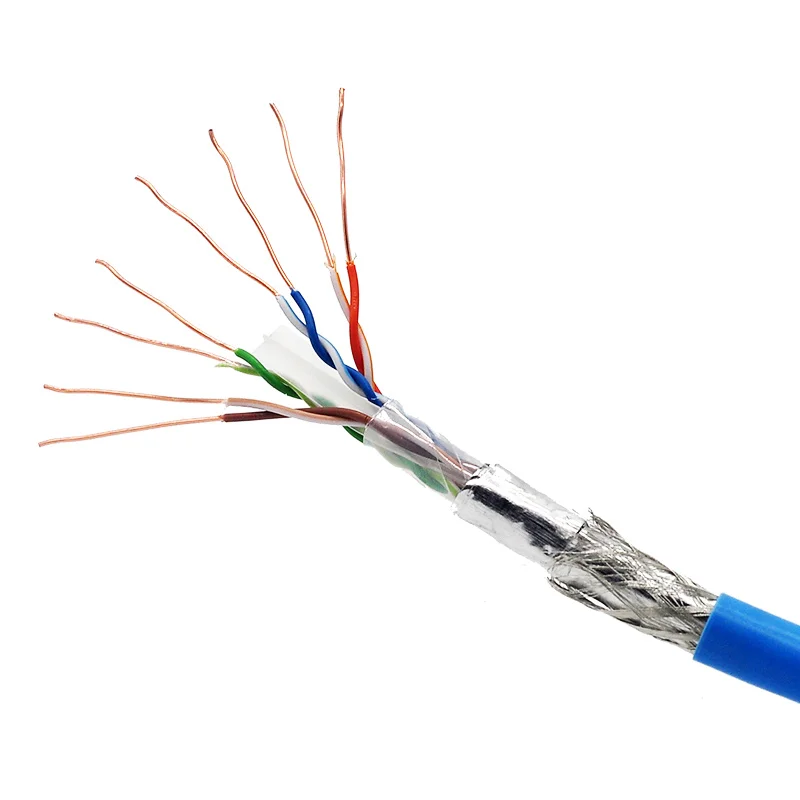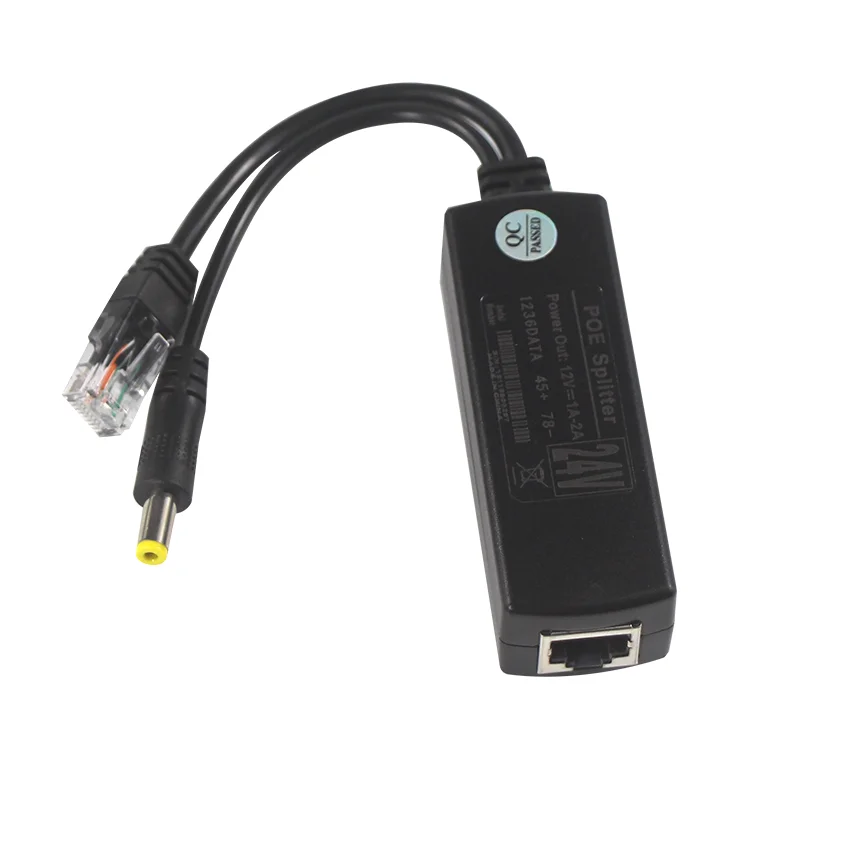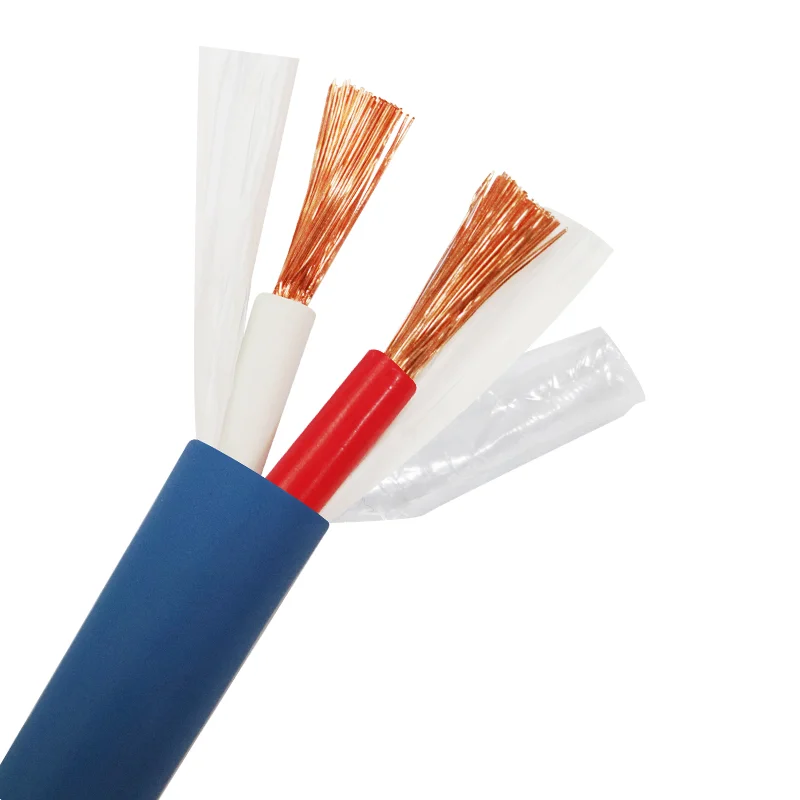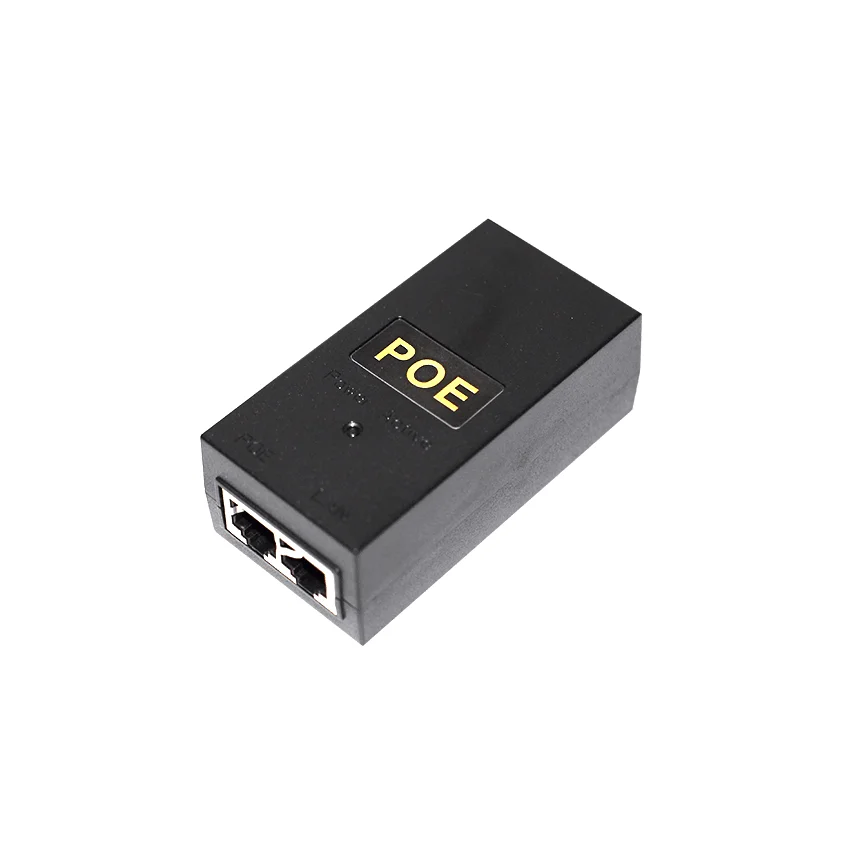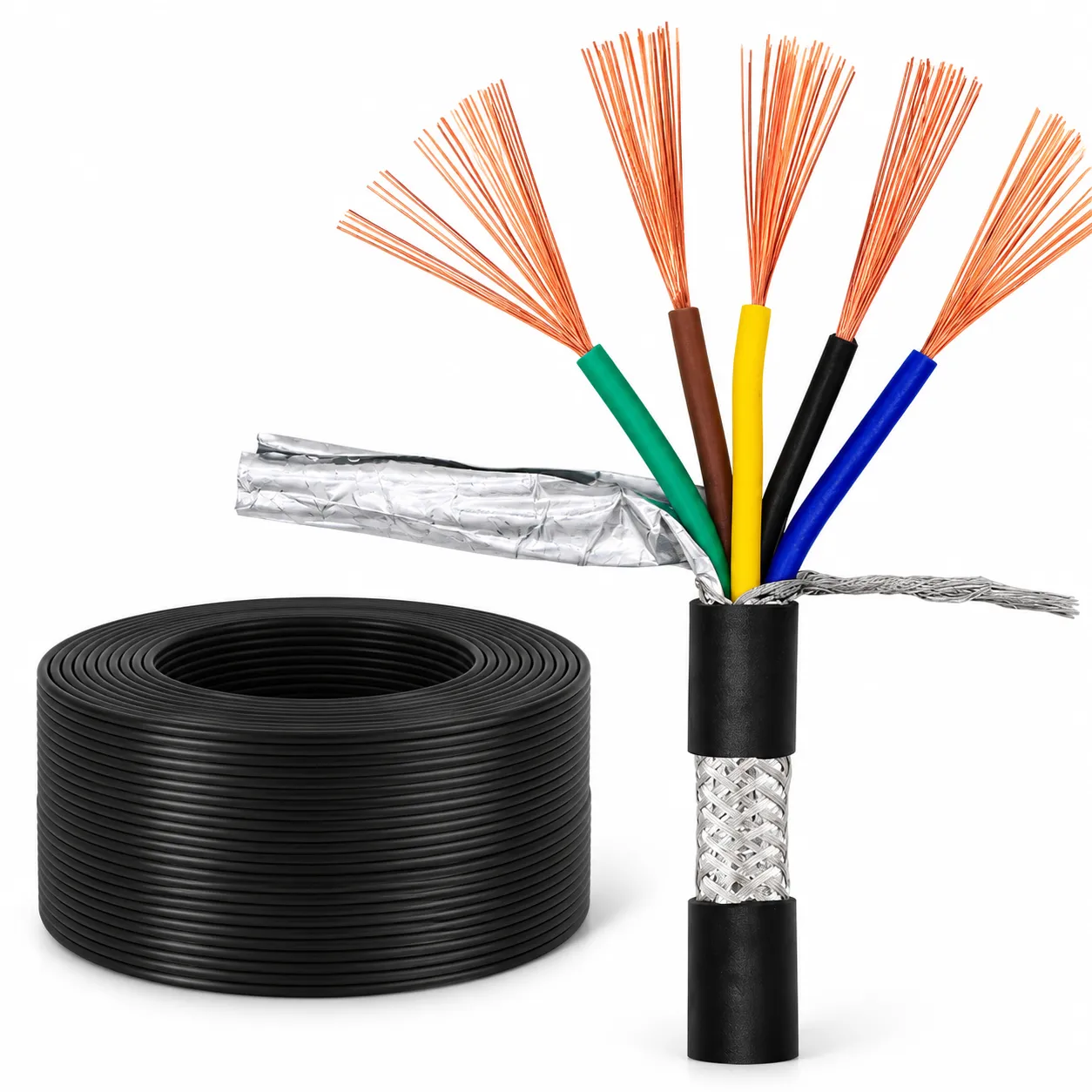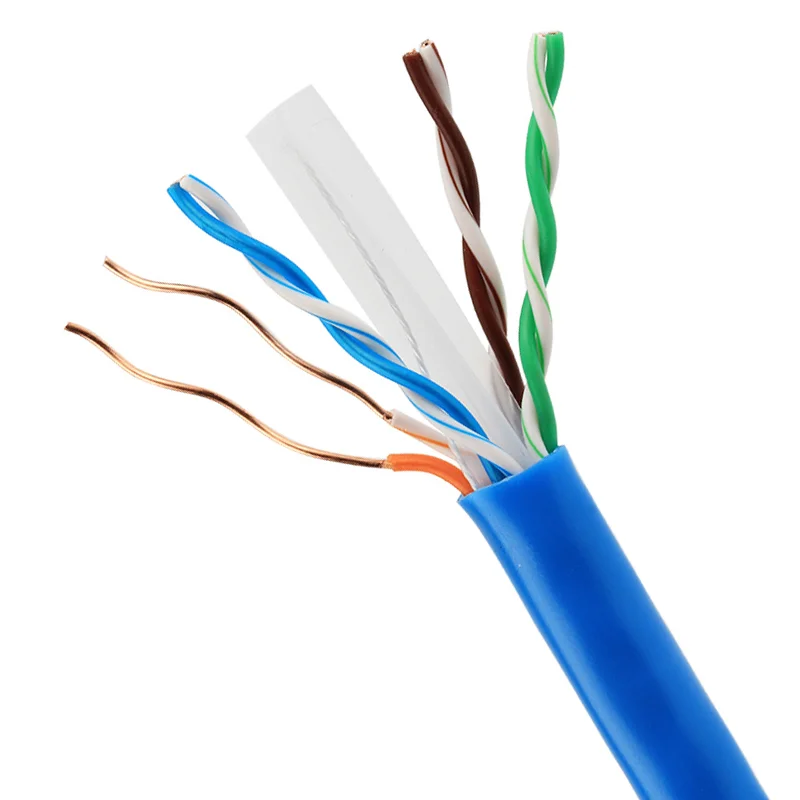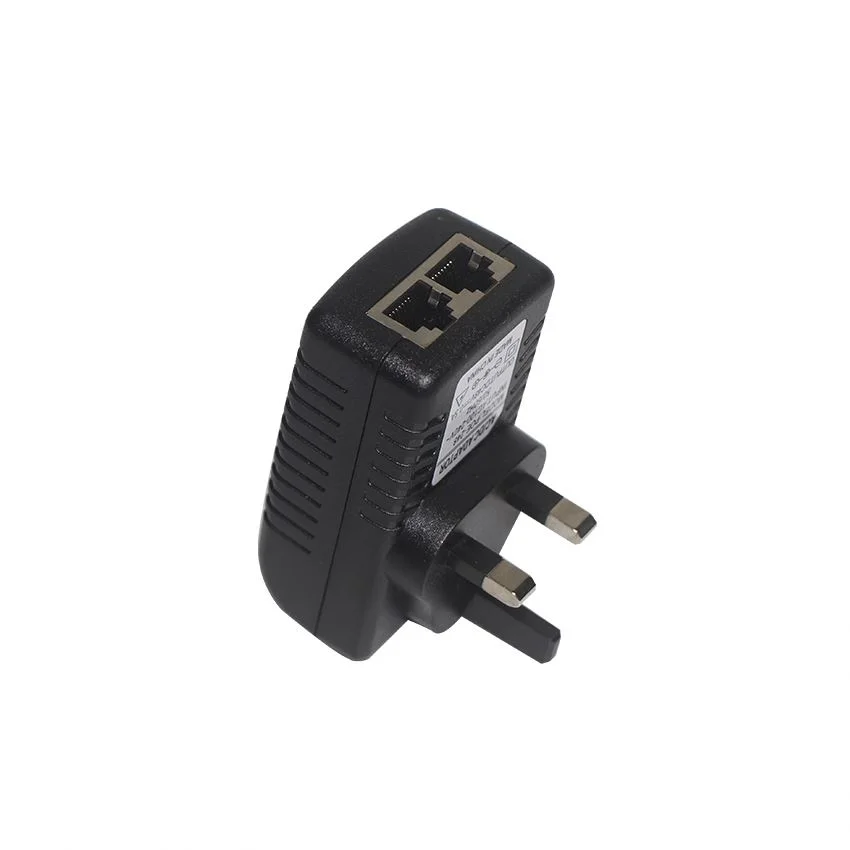
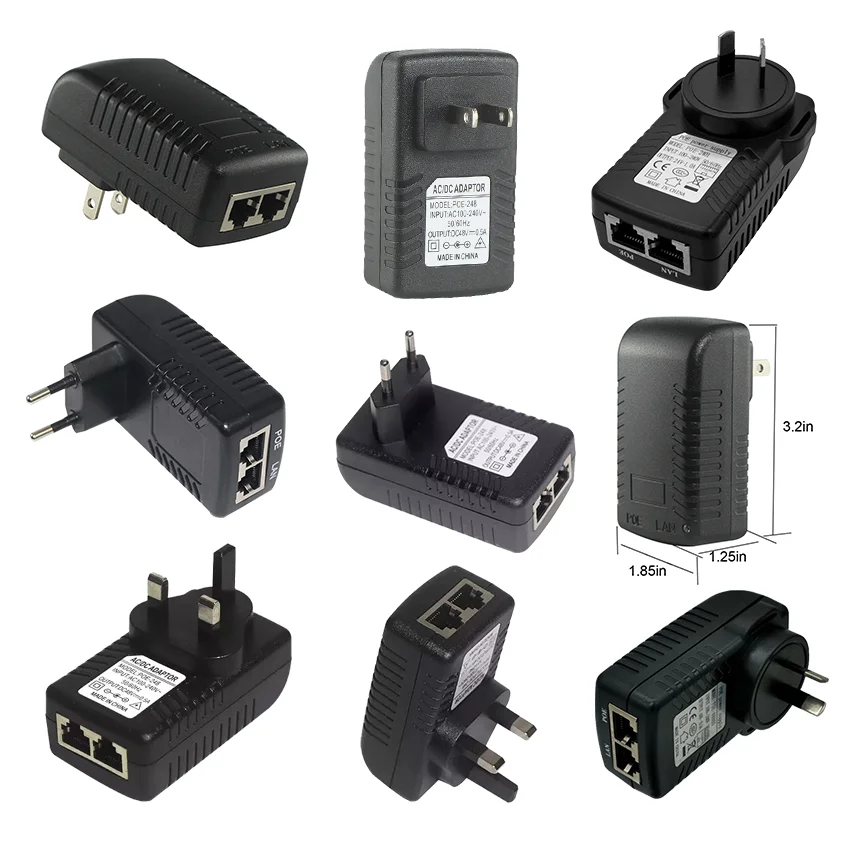
Series illustrations. Actual configuration is subject to the confirmed drawing.
Wall-Mount Dual-Port PoE LAN Injector for IP Camera WiFi AP | UK US EU AU 12V 24V 48V
-
Quotation & delivery: Include your required quantity, destination and timing in the enquiry. Confirm the selected build, lead time, shipping charges and any return terms in the agreed quotation before ordering.
-
TypeEthernet Module
-
BrandReliaChipsetLAN
-
Application TypeCCTV, wireless AP, IP camera, videophoneConnection TypeEthernet
-
Product NamePOE injectorInput100-240V AC 50/60Hz
-
Output12V1A, 12V2A, 24V0.5A, 24V1A, 48V0.5A 12W/24WProtectionOVP OCP OTP
-
PoE StandardIEEE802.3af /IEEE802.3atPlug typeUS/EU/AU/UK plug
-
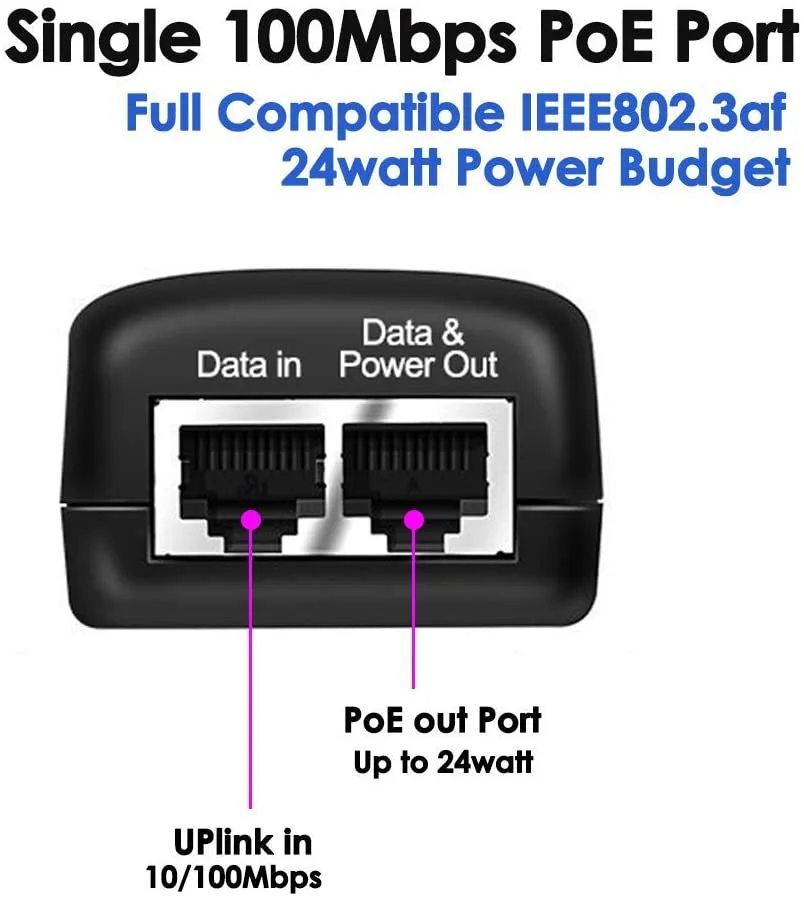
PoE Ports2*RJ45 ports(POE+LAN)ColorBlack
-
ApplicancePOE Switch, CCTV Surveillance, IPC, IP Phone, WIFI, APWarranty1 Year
This black wall-mount PoE injector request identifies two RJ45 ports as POE and LAN. CCTV, wireless access-point, IP camera, video-phone and IP-phone connections form the intended equipment scope, with overvoltage, overcurrent and overtemperature protection included in the adapter requirements.
Select the regional plug and output together
UK, US, EU and AU plug arrangements each have actual 12 V/2 A, 24 V/1 A and 48 V/0.5 A choices. Choose the regional input and one complete output combination as a single supplied version.
The input requirement is 100–240 V AC at 50/60 Hz. Match the selected plug and receiving-device input with that supply arrangement before defining the installed adapter.
Map the complete power requirement
Resolve additional 12 V/1 A and 24 V/0.5 A requests against the actual output choices. Agree how the 12 W or 24 W power requirement applies to the selected version and the connected equipment.
Keep voltage, current and complete power scope together for that particular adapter. This makes the electrical brief clear without combining output alternatives into one operating condition.
Connect the POE and LAN interfaces
Agree port direction and pin assignment with the actual camera, access point or phone connection. Define the required PoE operating mode and obtain applicable IEEE802.3af/at support for the chosen adapter and receiving equipment.
Place the protected adapter in the installation
Confirm wall-mount space and access around both RJ45 ports and the regional power input. Retain OVP, OCP and OTP functions with the selected output and documented device/link requirements so the power and network paths have a defined installation brief.
Provide the product reference, selected configuration, quantity and destination. Confirm drawings, applicable ratings and acceptance requirements for the requested build. Lead time, shipping arrangements, charges and any return conditions should be reviewed in the agreed quotation before ordering.