FIND A RELEVANT STARTING POINT
Start with the application
Begin with the equipment or installation, then compare the selected cable construction. These routes connect a project question with relevant products in the Relia Cables catalogue.
An application category is a browsing aid. The product's actual construction, ratings, interfaces and project requirements determine whether a selected build is appropriate.
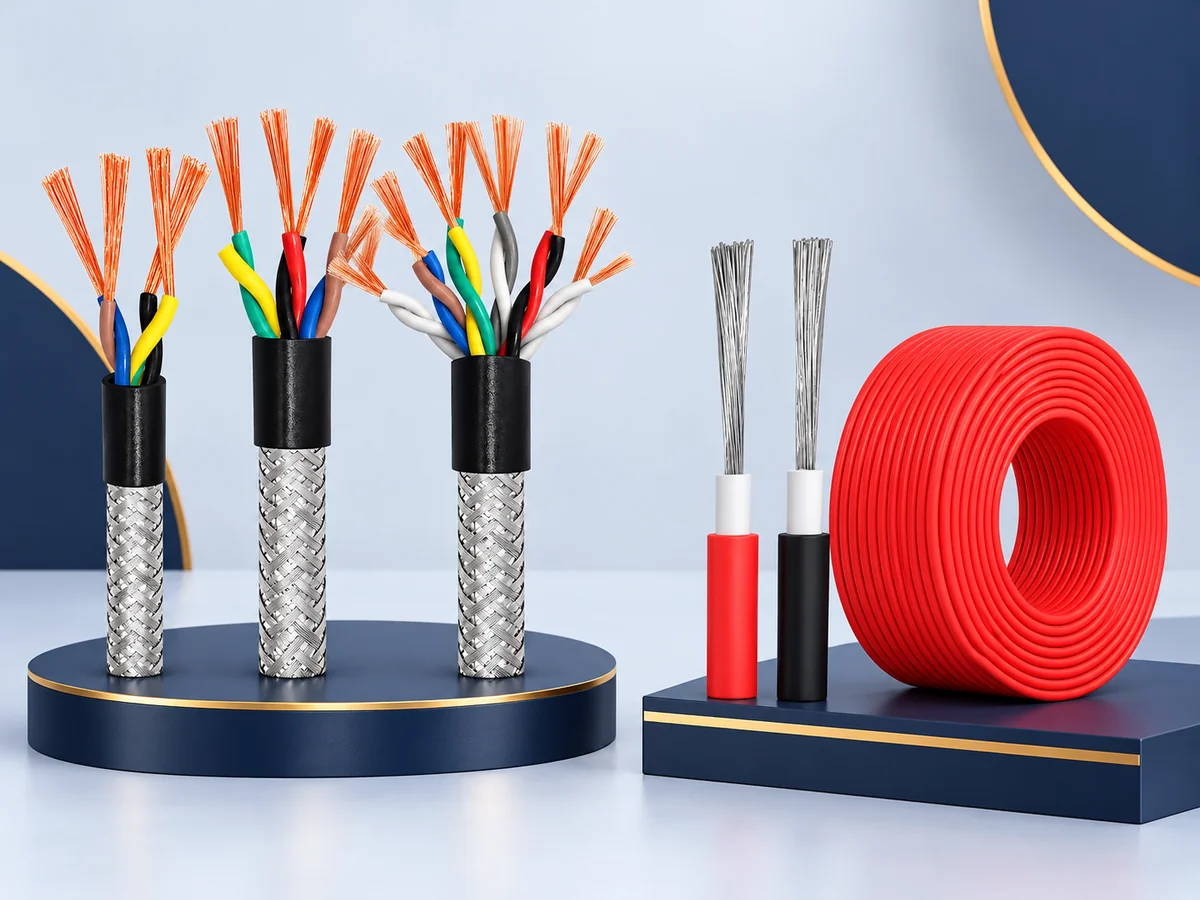
Choose the route closest to your project
01 · INSTALLATIONS
Building & Power Distribution
Begin with the installation design, conductor arrangement and required cable construction. Include the intended route, environment and applicable project documentation.
Browse Building & Distribution Products02 · MACHINES
Industrial Control & Equipment
Describe the signals or loads, number of cores or pairs, any shielding requirement and whether the cable remains fixed or moves in service.
Browse Industrial Products03 · DEVICES
Electronics & Device Wiring
Bring together conductor size, insulation, colour identification and the termination method. State routing space and exposure near the equipment.
Browse Device-Wiring Products04 · VEHICLES
Automotive & Battery Systems
Identify the source and load, both mating ends, polarity or pin assignment, finished length and installation conditions for the requested connection.
Browse Vehicle & Battery Products05 · PORTABLE POWER
Solar & Portable Power
Provide the receiving equipment and exact interface. Include the intended electrical arrangement and exposure conditions instead of relying on a connector's appearance.
Browse Solar & Portable-Power Products06 · COMMUNICATIONS
Data, AV & Security Systems
Specify the devices, connector format, signal or protocol requirement and cable route. Keep power and signal requirements distinct where an assembly carries both.
Browse Data & Signal ProductsCompare the duty and connection
Two cables in the same application category can differ in conductor, insulation, shielding, termination or finished size. Compare these details at product level and identify the exact option in your enquiry.
When shielding is required, include its termination at each end and the receiving connector, gland or other hardware specified by the project. Keep the cable shield construction and the shield-end connection in the same specification. The required connection arrangement must follow the applicable equipment and project documentation.
| Project detail | Information to provide |
|---|---|
| Electrical requirement | Selected nominal size, core or pair arrangement, and required operating conditions. |
| Mechanical installation | Fixed or moving duty, available space, route, length and relevant exposure. |
| Connection | Both mating interfaces, orientation, locking features and pin assignment where relevant. |
| Acceptance reference | Drawing revision and any required standards, reports, markings or inspection criteria. |
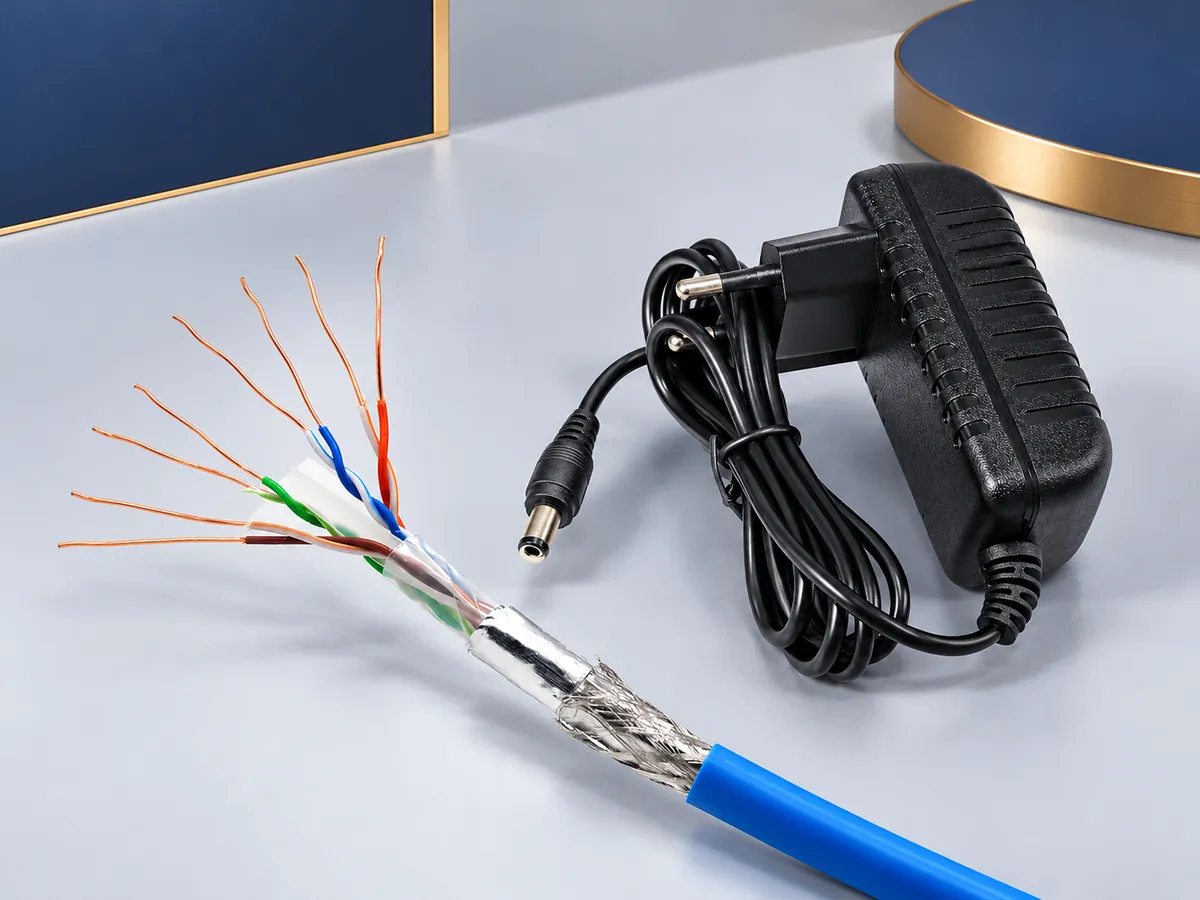
Find a relevant catalogue range
If the equipment category is broad, try a second route. Browse by material when the insulation or conductor is already specified, or use the complete product catalogue when comparing several product forms.
The Cable Selection Guide helps organise missing technical details. For a configuration that differs from the catalogue reference, use the Custom Cable Enquiries checklist.
Prepare the project details
Send the selected product link, application, configuration, quantity and destination. Add a drawing or a photograph of the receiving interface where it helps identify the requested connection.